
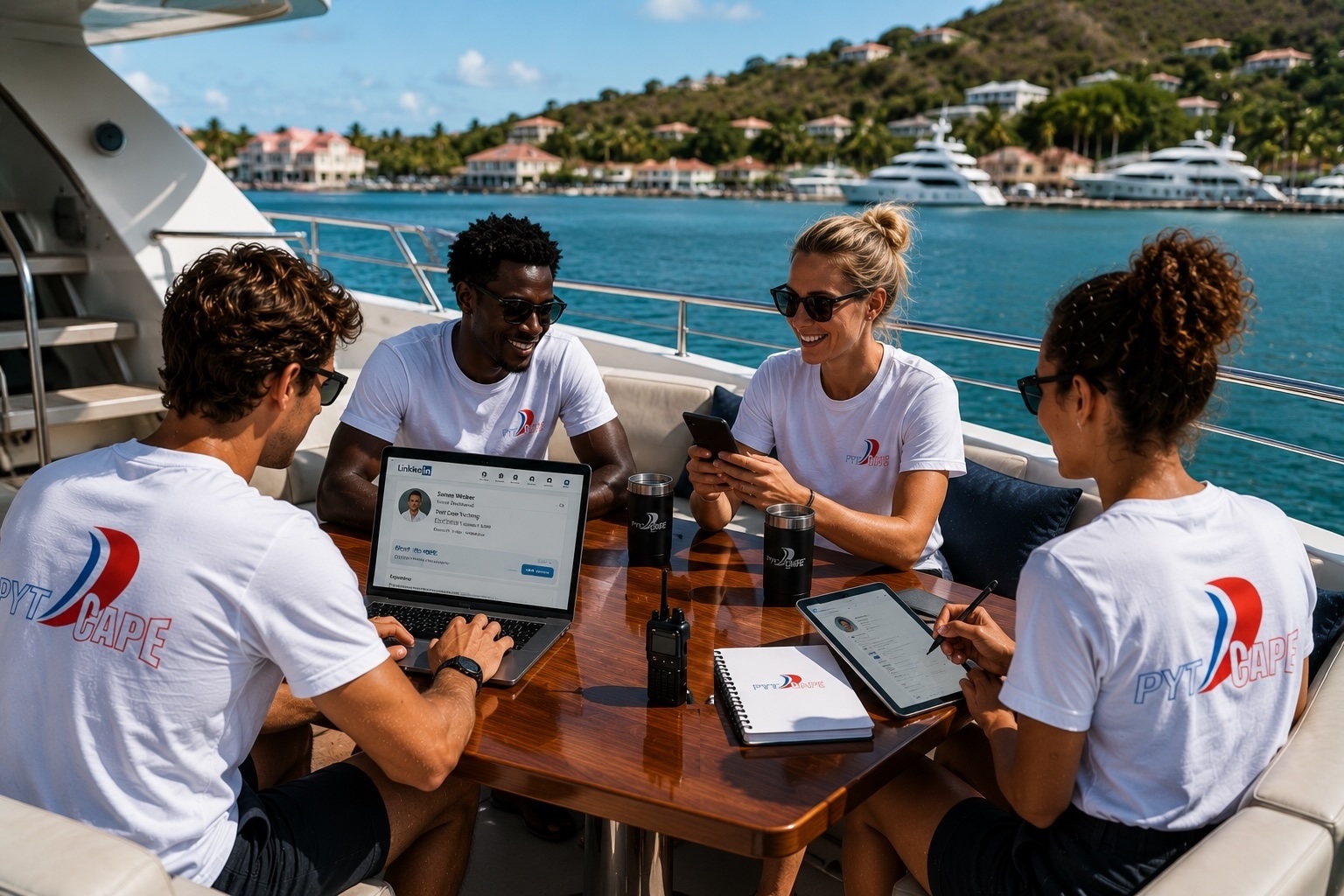

The captain reviewing your application is on LinkedIn right now. Are you visible?
Adding your qualification to LinkedIn puts your certification in front of every employer, crewing agency, and recruiter who views your profile. This guide shows you exactly how to do it correctly so that the PYT Cape logo appears on your profile and links back to the official page.
In the yachting and maritime industry, getting hired is rarely just about what you know. It is about who can find you.
Captains, crewing agencies, and yacht owners actively search social media before making hiring decisions, and a visible, credible online presence can be the difference between getting the call and being overlooked entirely.
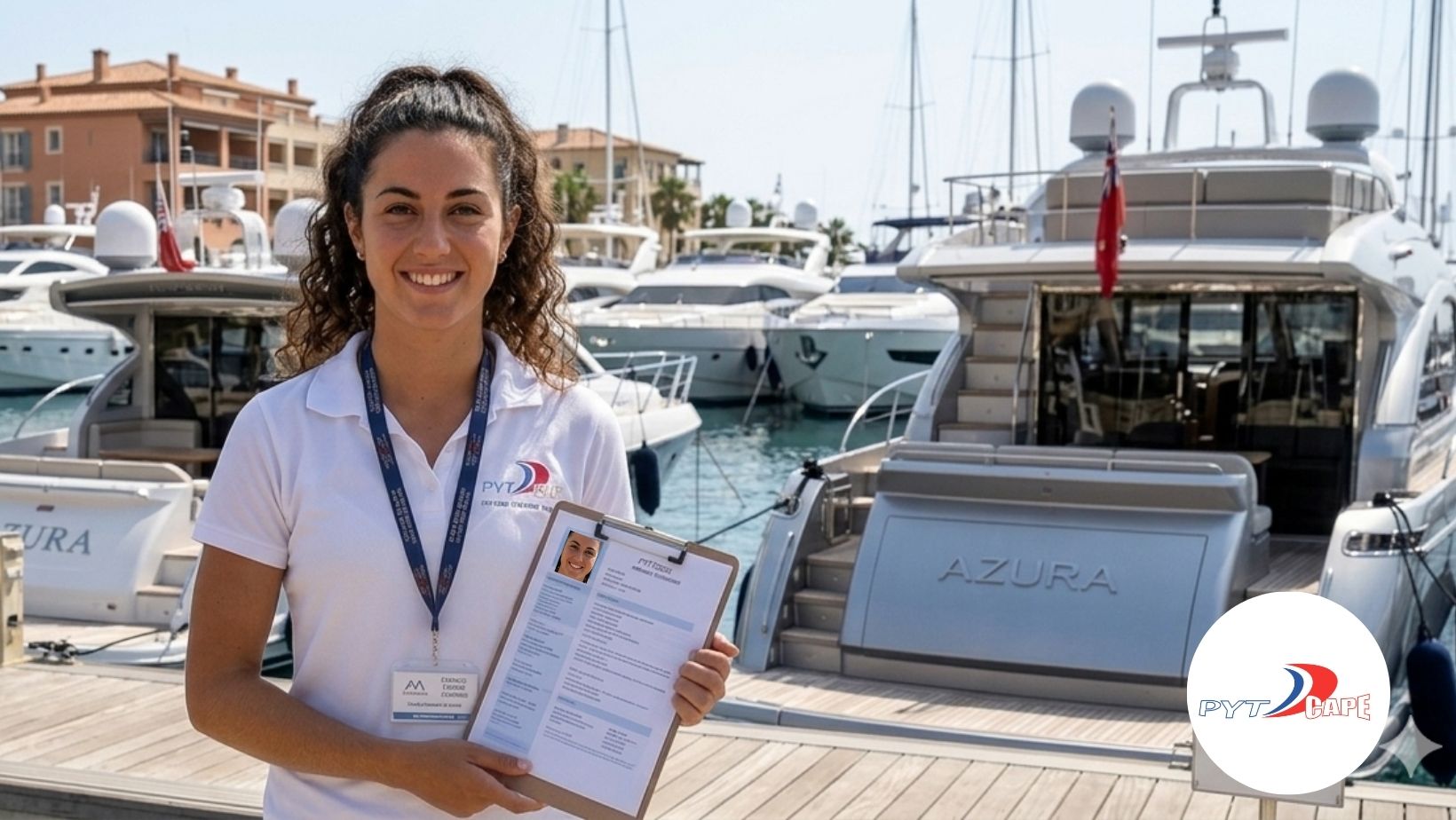
Having content on your own Facebook, Instagram, and LinkedIn profiles that shows your training history, qualifications, and progress tells a story before you even shake someone’s hand. Sharing your achievements, tagging reputable training providers like PYT Cape, and engaging with their content by liking, following, and reposting their posts all contribute to building a professional digital footprint that works for you around the clock.
The maritime world is smaller than people think, and the right post at the right time can put you in front of exactly the person who is looking to hire someone with your skills. If you want to be found by your next employer, start showing up where they are looking.
If your PYT Cape certification is not on LinkedIn, it does not exist to the people hiring right now. The best qualification in the world means nothing if the right person never sees it. Crewing agencies are on LinkedIn daily. The question is whether they can find you?
Here is a summarised guide to getting your PYT Cape certification onto your LinkedIn profile today.
On desktop
- Log in to LinkedIn and click the Me icon at the top of the page, then select View Profile
- Click “Add profile section”
- From the dropdown, select “Licences and certifications”
- In the Name field, enter the exact course title as it appears on your certificate (e.g. MCA Efficient Deck Hand)
- In the Issuing organisation field, start typing PYT Cape and wait for the dropdown list to appear
- Select PYT Cape from the list – this is the critical step. If you do not select it from the dropdown, the logo will not appear and the page will not be linked
- Add the issue date and expiration date if applicable
- Add your Credential ID or certificate URL if you have it
- Click Save
On mobile
- Tap your profile photo and select View Profile
- Tap “Add section”
- Select “Licences and certifications” and follow the same steps above
Important tips
- Each course can be added as a separate entry, so if you have completed more than one course at PYT Cape, list all of them
- You can attach your certificate as a PDF or image to each entry for added credibility
- Use the issuer’s exact certificate title to help recruiter filters and applicant tracking systems match your profile correctly
Source and accuracy note
The steps in this guide are based on the official LinkedIn Help Centre documentation for managing Licences and Certifications, which confirms that a list of companies will appear as you type in the Issuing Organisation field, and selecting the correct authority from the menu ensures their logo appears next to the certification on your profile.
This guide was accurate at the time of writing in June 2025. LinkedIn occasionally updates its interface, so if any steps look different, refer directly to the official LinkedIn Help Centre page for the most current instructions:
Official source: https://www.linkedin.com/help/linkedin/answer/a567169
How to add your PYT Cape qualification to your personal LinkedIn
The captain reviewing your application is on LinkedIn right now. Are you visible?Adding your qualification to LinkedIn puts your certification in front of every employer, crewing agency, and recruiter who views your profile. This guide [...]

Your certificate means nothing if no one can find it
Qualified? How To Get Discovered By An Employer You did the work. You showed up, you learned, and you earned that qualification with PYT Cape. But here is a question worth asking: does anyone [...]

Efficient Deckhand Courses in Cape Town – (EDH Course) Cape Town
Register For Your Efficient Deckhand Course in Cape Town: Your Gateway to a Maritime Career If you're progressing toward your MCA Officer of the Watch (OOW) qualification, the Efficient Deck Hand (EDH) course is [...]
Get Qualified Start Your Maritime Education Here
Educate & equip yourself with world class maritime knowledge through our professional maritime training & course material. Send us a general enquiry or choose a course that you would like to enquire about in the form below.